Photos are the first thing a buyer looks at and the most common reason an ad is skipped.
Getting the photos right
Step 1: On the first step of posting, tap the upload box and pick your photos from your phone.
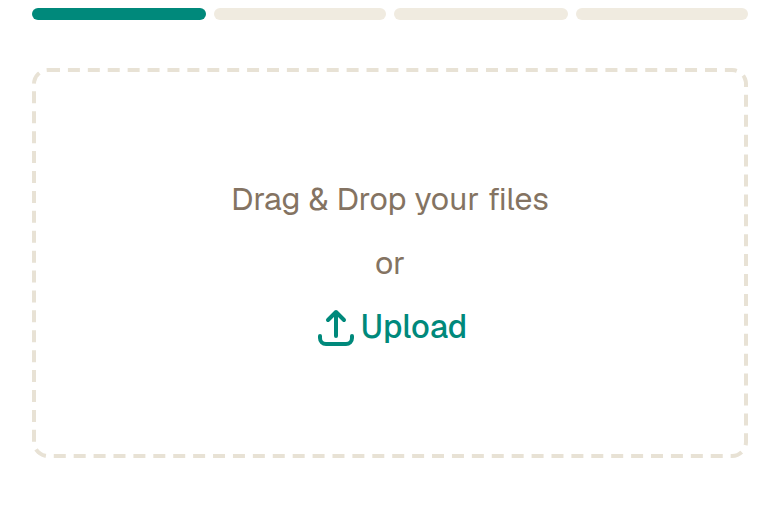
Step 2: Add up to five photos — every ad gets five free. The first one is what buyers see in the list, so make it the clearest.
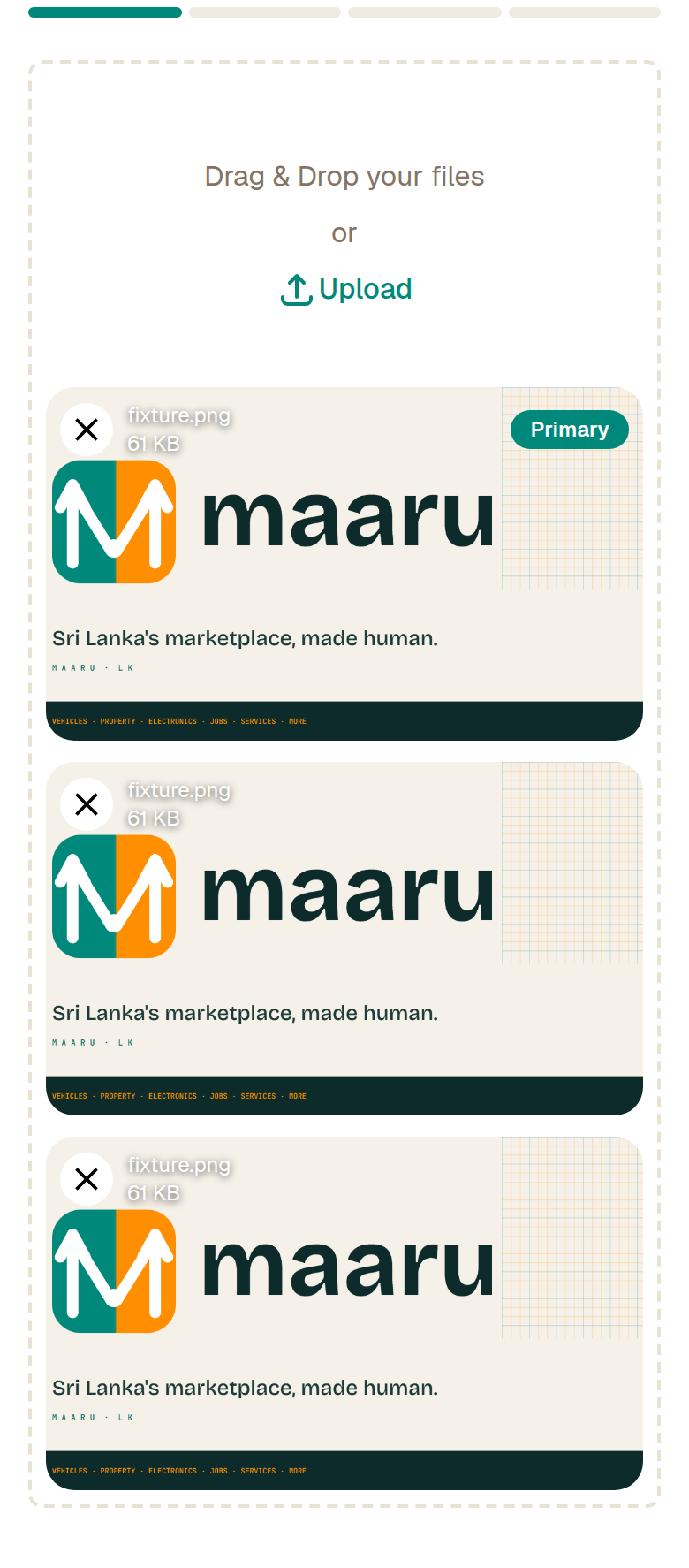
Step 3: Show it from a few angles: the front, the side, anything that proves condition. For a phone, show the screen switched on. For a vehicle, show the odometer. For a room, stand in the doorway.
Step 4: Shoot in daylight, wipe the lens, and keep the background plain. A clean photo taken on an ordinary phone beats a dark photo taken on a good one.
What this cannot do
- Five photos per ad today. A larger photo pack is planned but is not on sale yet — if you tap for a sixth photo you will see a note about it.
- Photos are checked automatically before your ad goes live. Screenshots of other people's photos, or anything unrelated to the item, will be rejected.
Watch out for
- One photo is the single biggest reason an ad gets no replies. Ads with four or more photos get noticeably more messages.
- Do not photograph a photo on a screen — it looks like a copied ad and buyers distrust it.
- Hide anything private before you shoot: number plates you do not want public, your address on a document, faces of family members.