All guides
Bring an ad you already posted
Paste the link. We fill in the ad for you.
Free about 30 seconds
No re-typing. One paste and the form fills itself.
I have a link to my ad
Step 1: Open your existing ad and copy the link from your browser's address bar.
Step 2: Open Bring an ad on Maaru and paste the link into the box.
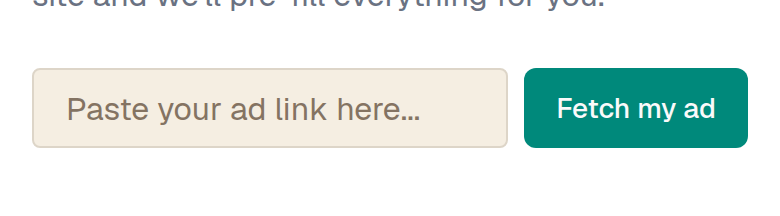
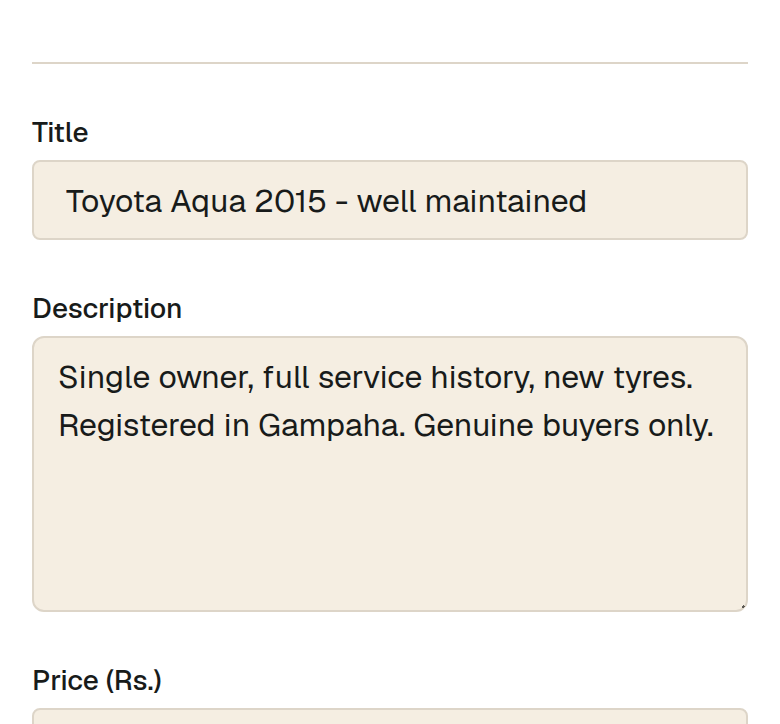
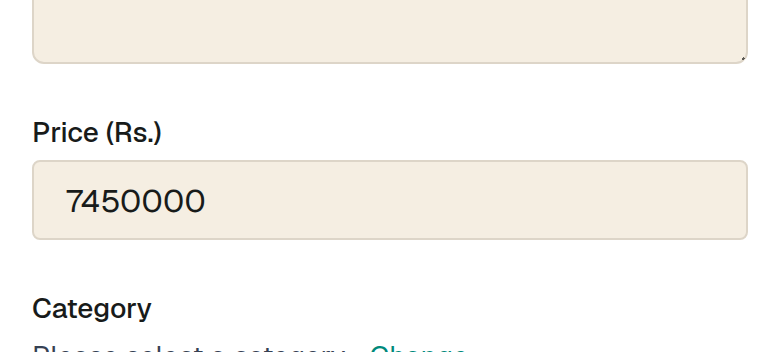
Step 3: Check what we filled in — title, price, description and photos. Change anything that looks wrong.
Step 4: Pick the category and location, then publish. Your other ad stays exactly where it is.
I only have photos
Step 1: Some ads have no link we can read — a photo you took, or a post inside an app. That is fine.
Step 2: Post the ad directly instead: add your photos and our AI helper writes the title and description for you.
What this cannot do
- Some sites block automatic reading, so a few links will not work. If yours does not, use the photo path — it takes about the same time.
- We copy the words and pictures from your own ad. Check them before you publish; you are responsible for what your ad says.
Watch out for
- Photos come across at the size the other site stored them. If they look soft, upload the originals from your phone.
- Set the price yourself if it did not come through — an ad with no price gets far fewer messages.