Open a store as a dealer or agent
Your own page, your logo, and every listing in one place — free to switch on.
The store itself costs nothing and takes one click. The paid plans on top add reach and reporting, not the store.
Setting up as a dealer
Step 1: Open your own profile page while signed in. If you have not turned a store on yet, a dark banner sits at the top offering to launch one.
Step 2: Pick the kind of shop you run from the dropdown — car dealer, phone shop, real estate agency, salon and so on — and press Enable My Store. That is the whole setup, and it costs nothing.
Step 3: Your profile becomes a storefront: a banner, your logo, your shop name and every listing you have, on one page you can send to customers. You can change the banner and logo from that page whenever you like.
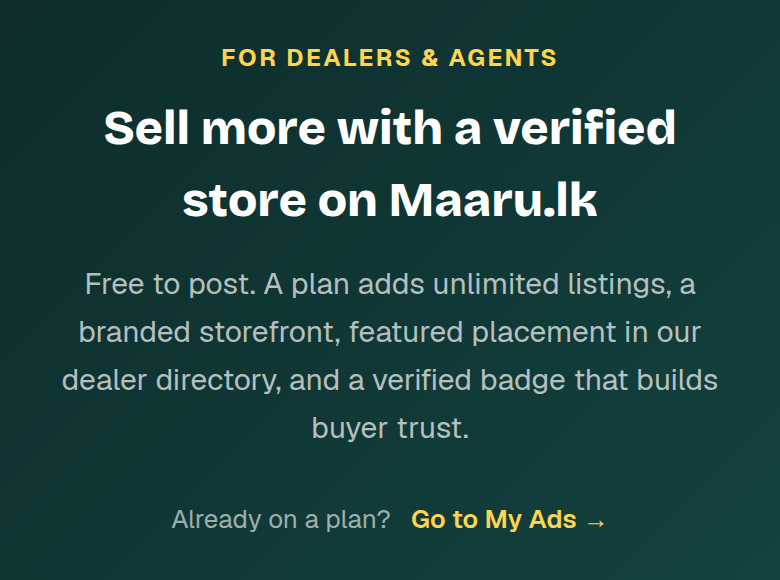
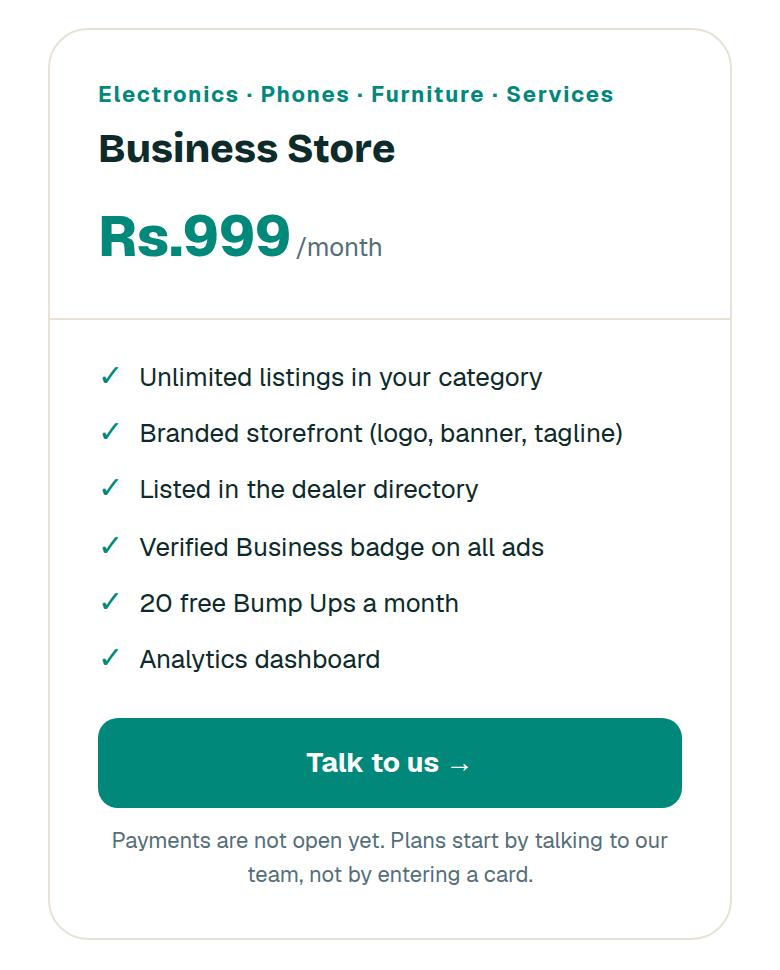
Step 4: A plan is a separate thing and comes later. It adds unlimited listings in your category, a place in the dealer directory, free boosts each month and reporting — the store and the verified badge do not depend on it.
Step 5: Whichever plan you look at, the store is what customers see first. Get the banner, the shop name and the listings right before you spend anything on reach.
What this cannot do
- The storefront pages and the store-type list are still English only, in all three languages. The rest of the site is translated; this part is on the list.
- Plans cannot be bought yet — card payment is in test mode and the bank details on file are not the real ones. Plans start by talking to the team.
- Turning a store on marks the account as a dealer. Private sellers do not need one and are not at any disadvantage without it.
Watch out for
- Do not enable a store just for the badge. An empty storefront with one listing looks worse to a buyer than an ordinary seller profile.
- Use a real photo of your shop or your stock as the banner, not a logo blown up. The banner is the first thing a customer sees and a stretched logo reads as unfinished.
- Pick the store type that matches what you actually sell. It decides where you appear and what buyers expect when they arrive.